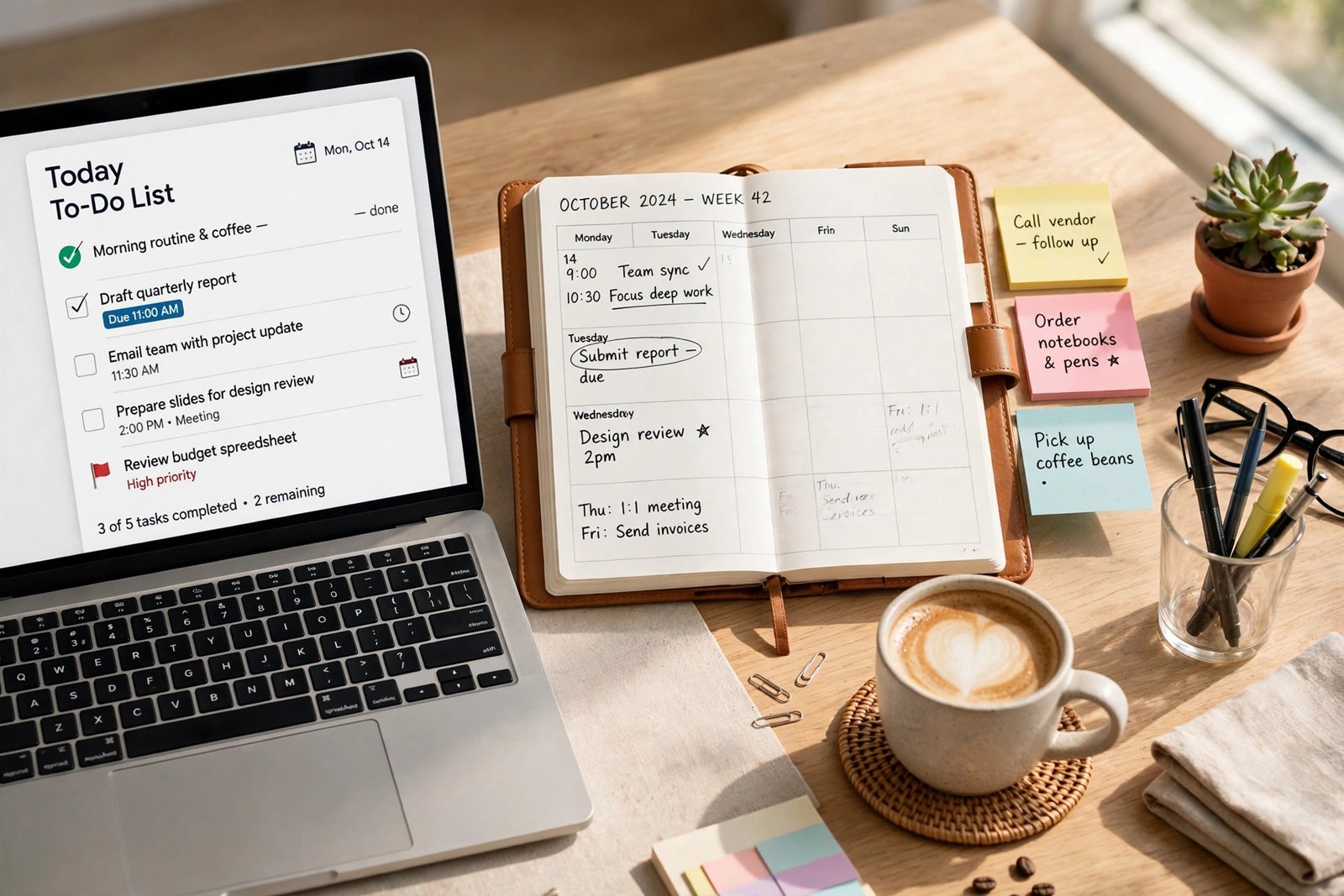
The best productivity apps do not make you more productive by themselves — they remove friction, so the work you already do takes less effort. A good to-do app stops you forgetting tasks, a good notes app stops you losing ideas, and a good calendar stops you double-booking yourself. The wrong app, on the other hand, becomes another chore: you spend more time organising your system than doing the work.
This guide rounds up 12 of the best productivity apps in 2026, covering tasks, notes, calendars, focus and teamwork. Each one is chosen because it is genuinely useful for ordinary work, not because it has the longest feature list. Pick one or two that fit your biggest problem, try them for a week, and keep only the ones you actually open every day.
How to Choose the Best Productivity Apps for You
Start with the problem, not the app. If you forget tasks, you need a to-do list. If your notes are scattered across notebooks and phone apps, you need one notes app. If meetings run your day, you need a calendar that works for you, not against you. One app that solves a real problem beats five apps that look impressive on a list.
Also consider where you work. The best productivity apps sync between your phone, laptop and browser, work offline when you need them, and play nicely with the tools you already use, such as email and cloud storage. Our guide to the best cloud storage can help if your files and notes need to be available everywhere. Finally, look for a free plan that is actually usable — many of the apps below offer one — and upgrade only when you hit a real limit.
The 12 Best Productivity Apps in 2026
1. Todoist — best for simple to-do lists
Todoist is a clean, fast to-do app that works on almost every device. You can add a task in seconds, set a due date in plain language such as “tomorrow at 9am”, and organise tasks into projects. Its strength is simplicity: it does not try to be a project management system, so it stays out of your way. It is a good first app if your main problem is remembering what needs doing.
2. Notion — best all-in-one workspace
Notion combines notes, documents, databases and simple project boards in one place. You can plan a project, keep meeting notes, and build a personal wiki without switching apps. It is flexible, which is both its strength and its weakness: it can do almost anything, but it takes a little time to set up well. Start with a simple page and a simple task list, and add structure only when you need it.
3. Trello — best visual task board
Trello organises work into boards, lists and cards that you drag from “to do” to “doing” to “done”. It is ideal for visual thinkers and for small teams who want to see a project at a glance. A board for a home move, a blog, or a work project can be set up in minutes, and it is easy for everyone to see what is happening without a meeting.
4. Asana — best for team projects
Asana is built for teams: tasks have owners, due dates and dependencies, and managers can see who is doing what. It is more structured than Trello, which makes it better for larger projects with deadlines, but it can feel heavy for personal use. If your work involves handing tasks to other people and tracking progress, Asana is a strong choice.
5. Google Calendar — best free calendar
Google Calendar is simple, reliable and everywhere. It syncs with Gmail, sends reminders, and lets you share calendars with family or colleagues. Time-blocking — putting your important work on the calendar as if it were a meeting — is one of the most effective productivity habits, and Google Calendar makes it easy. It works best if you already use a Google account.
6. Microsoft To Do — best for Microsoft users
Microsoft To Do is a straightforward task app that syncs with Outlook and Microsoft 365. Its “My Day” feature asks you to choose a small set of tasks each morning, which is a helpful way to start the day with focus rather than a long, overwhelming list. If you live in Outlook and Word, it fits naturally into your workflow.
7. Evernote — best for keeping notes and clippings
Evernote is a long-standing notes app for capturing ideas, meeting notes, receipts and web clippings in one searchable place. Its search is strong, including text inside images and documents, and its notebook structure suits people who like to file things neatly. It is a good home for reference material you need to find again months later.
8. Obsidian — best for linked notes and thinking
Obsidian is a notes app that stores your notes as plain text files on your own device, and links them together like a personal web of ideas. It is popular with students, researchers and writers who want to build knowledge over time. It has a learning curve, but if you take a lot of notes and want to own your data, it is hard to beat.
9. Forest — best for staying focused
Forest turns focus into a game: you plant a virtual tree, and it grows while you stay off your phone. If you open another app, the tree dies. It sounds silly, but the visual reminder works for many people, and it is a gentle way to build a habit of working in focused blocks instead of checking your phone every few minutes.
10. Slack — best for team communication
Slack replaces long email threads with channels for each project or topic, plus direct messages for quick questions. It reduces the number of meetings a team needs, because information is easy to find and search. It can also become a distraction if every channel pings constantly, so set notification hours and mute channels that do not need your attention.
11. Toggl Track — best for tracking your time
Toggl Track lets you see where your hours actually go, with a simple start-and-stop timer. Freelancers use it to bill clients accurately, and anyone can use it to discover that a task they thought took 20 minutes actually takes an hour. A week of honest time tracking often reveals more about your productivity than any new app will.
12. Zapier — best for automating repetitive work
Zapier connects apps that do not normally talk to each other: for example, saving email attachments to cloud storage, or adding a form response to a spreadsheet automatically. It is not a task app, but it removes repetitive manual work, which is a real productivity gain. Start with one small automation that saves you ten minutes a day, and build from there.
Building a Simple Productivity System
You do not need all 12 apps. A sensible system for most people is three apps: one to-do list, one notes app, and one calendar. Add a focus app if distraction is your problem, and a team app only if you work with other people. Review your system once a month, remove apps you have not opened, and keep the ones that earn their place. If you are curious about using AI to help with drafts, summaries and planning, our roundup of the 10 best free AI tools for beginners is a good place to start.
Frequently Asked Questions
What is the best productivity app for beginners?
Start with a simple to-do app such as Todoist or Microsoft To Do, plus the calendar you already use. They are easy to learn, work on every device, and solve the most common problem: forgetting tasks and double-booking time.
Are free productivity apps good enough?
Yes, for most people. The free plans of the apps in this guide cover the core features most individuals need. Paid plans usually add team features, extra storage or advanced automation, so upgrade only when you hit a limit that actually bothers you.
How many productivity apps should I use?
As few as possible. Three is a good number: a to-do list, a notes app and a calendar. Every extra app adds switching costs, so add one only when it solves a problem your current apps cannot.
Do productivity apps really help?
They help when they match a real problem and you use them consistently. An app will not create discipline for you, but a good one makes the disciplined choice easier: capturing a task in seconds, finding a note quickly, or seeing your day clearly before it starts.
The best productivity apps in 2026 are the ones you will still be using in a month. Choose the app that fits your biggest problem, give it a fair week, and judge it by whether your work feels easier, not by how many features it has. A simple system you actually use will always beat a clever system you abandon.
One thought on “12 Best Productivity Apps to Organize Your Work in 2026”