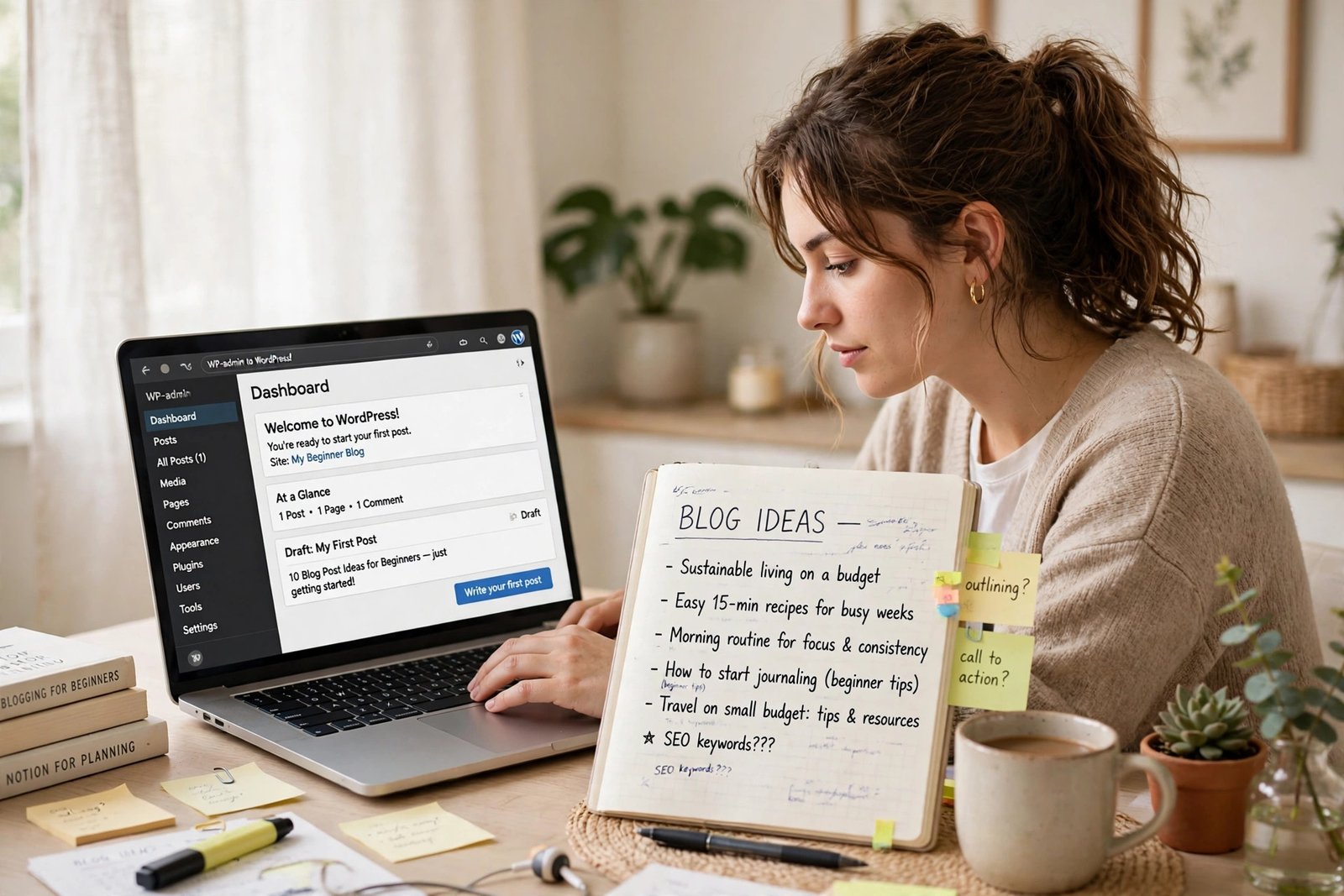
Starting a blog sounds complicated until you break it into small steps: choose a topic, get a domain and hosting, install WordPress, pick a theme, and write your first post. That is the whole journey, and in 2026 it is easier than ever. WordPress powers a huge share of the web, it is free to use, and you do not need to know how to code to build a blog that looks professional.
This beginner’s guide shows you how to start a WordPress blog in 2026, step by step, from the first decision to your first published post. We will cover costs honestly, the difference between WordPress.com and WordPress.org, and the mistakes that trip up most new bloggers — so you can launch with confidence and keep going after the excitement fades.
Step 1: Pick a Topic You Can Stick With
A good blog topic sits at the intersection of three things: something you know or enjoy, something other people search for, and something you can write about for months without getting bored. A narrow topic is easier than a broad one: “budget travel in Pakistan” is easier to grow than “travel”, and “WordPress tips for beginners” is easier than “technology”.
Before you commit, check that people actually search for your topic, and that you can list at least 20 post ideas without struggling. If you cannot, the topic may be too narrow, or you may not enjoy it enough. Your first posts do not need to be perfect — they need to exist, so you can learn what your readers respond to.
Step 2: Understand WordPress.com vs WordPress.org
This is the most confusing choice for beginners, so let us make it simple. WordPress.com is a hosted service: you sign up, and WordPress handles the technical side. It is easy to start, but you have less control, and some features require a paid plan. WordPress.org is the free, self-hosted version: you download the software and install it on your own hosting. It takes a little more setup, but you own your site, you can install any theme or plugin, and you can earn money from it however you like.
For most people who want a serious blog, self-hosted WordPress.org is the better choice in the long run. The rest of this guide assumes you are using it, because that is the version that gives you full control over your blog’s future.
Step 3: Choose a Domain Name and Hosting
Your domain name is your blog’s address, such as yourblog.com. Choose something short, easy to spell, and easy to say out loud. Avoid numbers, hyphens and unusual spellings, and check that the name is available before you fall in love with it. A .com is the most familiar choice, but other endings work well if the .com is taken.
Hosting is the service that stores your blog’s files and makes them available on the internet. Many hosts offer one-click WordPress installation, a free SSL certificate, and support that can help when you get stuck. Choose a host with good reviews for WordPress support, not just the cheapest price, because a slow or unreliable host will frustrate you and your readers. Most hosts let you register a domain and set up hosting in the same place, which keeps the process simple.
Step 4: Install WordPress
With most hosts, installing WordPress takes a few clicks: log in to your hosting account, find the WordPress installer, choose your domain, and create an admin username and a strong password. The installer does the technical work, and within minutes you can log in to your WordPress dashboard at yourdomain.com/wp-admin.
Once you are in, take a moment to check your general settings: your site title and tagline, your time zone, and your permalink structure. Set permalinks to “Post name” so your URLs look like yourdomain.com/my-first-post instead of a string of numbers — it is better for readers and for search engines.
Step 5: Choose a Theme and Essential Plugins
A theme controls how your blog looks. Start with a clean, fast, mobile-friendly theme, and resist the urge to spend days choosing the perfect one. Your content matters far more than your theme, and you can change themes later without losing your posts. The default WordPress themes are a fine starting point, and many free themes in the WordPress directory are excellent.
Plugins add features to WordPress. You only need a few to start: a security plugin, a backup plugin, and an SEO plugin such as Rank Math or Yoast to help with search optimisation. Avoid installing dozens of plugins at once — each one can slow your site down. Add a plugin only when you have a specific job for it, and keep the ones you use updated.
Step 6: Create the Pages Every Blog Needs
Before you publish your first post, create a few essential pages: an About page that explains who you are and what the blog is about, a Contact page so readers can reach you, and a Privacy Policy page, which is good practice and often required if you use analytics or ads. These pages do not need to be long — a few honest paragraphs are enough.
Also set up your blog’s navigation menu, so readers can find your pages and categories easily. A simple menu with Home, About, Blog and Contact is all you need at the start.
Step 7: Write and Publish Your First Post
Your first post should answer a question your readers actually have, or explain something you wish you had known when you started. Write in a clear, friendly voice, use headings to break up the text, and include an image or two to make the post inviting. Aim for a post that genuinely helps the reader, rather than a long introduction about the blog itself.
Before you publish, check the basics: a clear title, a short introduction, headings that make the post easy to scan, and a conclusion that sums up the main point. Add a featured image, choose a category, and write a short meta description. Then publish it — and tell a few friends. Your first post will not be perfect, and that is fine. Publishing is how you learn.
Step 8: Promote Your Blog and Keep Going
Publishing is only half the job. Share your posts where your readers already are — social media, forums, or a simple email list — and reply to every comment in the early days. Learn the basics of search engine optimisation, so people can find your posts through Google: use clear titles, answer specific questions, and link to your other posts where it helps the reader.
Consistency matters more than volume. One good post a week for a year will build more traffic than ten posts in a month followed by silence. Keep a list of post ideas, write a little at a time, and be patient: most blogs grow slowly at first, then faster as your archive of helpful posts grows. If you want to stay organised while you write, the best productivity apps can help you plan posts and track ideas.
Frequently Asked Questions
How much does it cost to start a WordPress blog?
WordPress software itself is free. Your main costs are a domain name and hosting, which most beginners pay for annually. You can start with a modest hosting plan and a free theme, and spend more only when your blog grows and earns money.
Do I need to know how to code to start a WordPress blog?
No. The WordPress block editor lets you build posts with text, headings, images and buttons without writing code. You may want to learn a little about how websites work over time, but it is not required to launch a blog.
How long does it take to start a WordPress blog?
You can go from buying a domain to publishing your first post in a day, if you keep the decisions simple. Choosing a topic and writing your first few posts will take longer, and that is the part worth spending time on.
Can I make money from a WordPress blog?
Yes, through ads, affiliate links, sponsored posts, or selling your own products or services, but it usually takes time and consistent traffic first. Focus on helping readers and building an audience, and the money options become realistic later.
Starting a WordPress blog in 2026 is a series of small, manageable steps, not one big leap. Pick a topic you enjoy, set up self-hosted WordPress, choose a simple theme, and publish your first helpful post. Then keep going: one post at a time, one reader at a time. Your blog will not grow overnight, but every post you publish is a step toward a site you are proud of — and the best time to start is today.