You have probably seen VPN adverts everywhere: a VPN will keep you safe, let you watch shows from other countries, and stop anyone spying on you. Some of that is true, and some of it is marketing. A VPN — a virtual private network — is a useful tool, but it is not magic, and it does not make you anonymous or invincible online.
This guide explains what a VPN is, how it works, what it can and cannot do, and whether you need one in 2026. We will look at public Wi-Fi, streaming, privacy, work use, and the free VPNs you should avoid, so you can decide for yourself instead of believing an advert.
What Is a VPN?
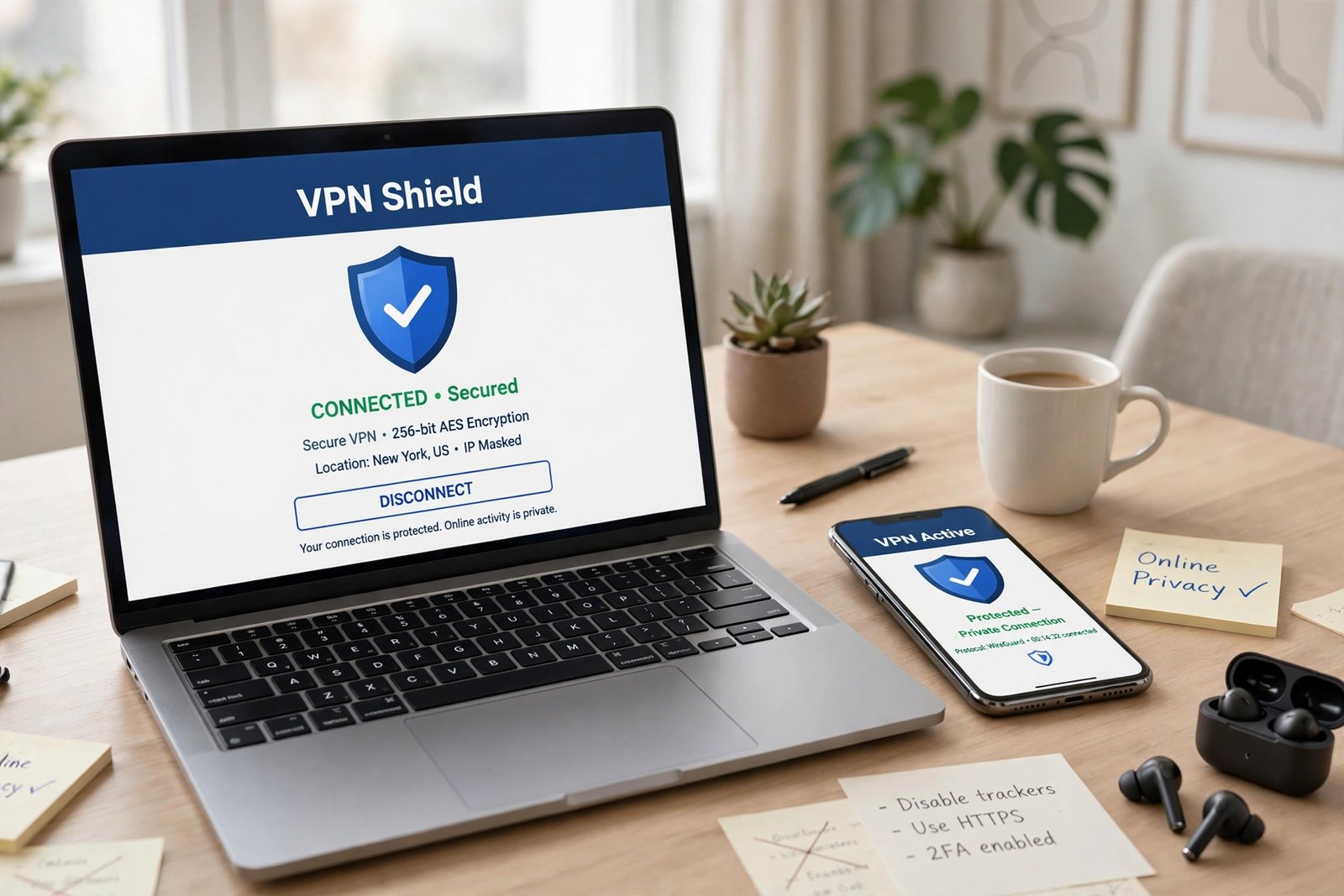
A VPN is a service that creates an encrypted tunnel between your device and a server run by the VPN company. Your internet traffic travels through that tunnel, so your internet provider, the owner of the Wi-Fi network you are using, and anyone else watching that network cannot easily see what you are doing. To websites you visit, your traffic appears to come from the VPN server, not from your home, which hides your real location and IP address.
Think of it like sending a letter in a sealed, unmarked envelope through a trusted courier, instead of on a postcard that anyone can read. The courier knows where the letter came from, but the people along the way do not. That is the key point: a VPN moves your trust from your internet provider and the local Wi-Fi network to the VPN company, so choosing a trustworthy VPN matters a great deal.
How Does a VPN Work?
When you connect to a VPN, your device encrypts your traffic and sends it to a VPN server. That server decrypts it and forwards it to the website or service you want, then sends the reply back through the same encrypted tunnel. Your internet provider can see that you are connected to a VPN server, but not what you are doing inside the tunnel.
You can usually choose which country the VPN server is in. That is why a VPN can make it look as though you are browsing from another country — useful for accessing services that are only available in certain places, and for testing how a website looks from elsewhere. Most VPN apps let you connect with one click, and many can be set to connect automatically whenever you join an unfamiliar Wi-Fi network.
What Is a VPN Good For?
Public Wi-Fi
This is the clearest use for a VPN. On a coffee shop, airport or hotel network, your traffic is more exposed than at home, because you do not control the network and you do not know who else is on it. A VPN encrypts your connection, which makes it much harder for someone on the same network to snoop on what you are doing. If you work from cafes or travel often, a VPN is genuinely useful.
Privacy from your provider and local network
Your internet provider can see the websites you visit unless you use encryption or a VPN. A VPN stops your provider from seeing your browsing, and it stops a network owner — a school, an employer or a hotel — from seeing it too. It does not stop the websites you visit from knowing you were there, and it does not stop them tracking you with cookies and logins.
Accessing content from another country
Some streaming services and websites show different content in different countries. A VPN can make it appear that you are in another country, which may let you access content that is not available where you are. Streaming services actively try to block VPNs, though, so this does not always work, and it may break the terms of service of the streaming service.
Working remotely
Many employers provide a VPN so staff can connect securely to the office network from home or while travelling. This is a different kind of VPN — a business VPN — and it is set up by your employer. If your work provides one, use it as instructed; it is designed to protect company data, not to hide your personal browsing.
What a VPN Cannot Do
A VPN does not make you anonymous. The VPN company can see your traffic, websites can still track you through cookies and accounts, and your behaviour — the accounts you log in to, the searches you make — can still identify you. A VPN also does not protect you from malware, phishing emails, or a weak password. If you click a malicious link, a VPN will not stop the damage.
A VPN does not speed up your internet, either. It usually slows it down a little, because your traffic travels further and has to be encrypted and decrypted. A good VPN keeps that slowdown small, but a free or overloaded VPN can make your connection noticeably slower, which is one reason the free options are often a poor choice.
Do You Need a VPN in 2026?
You probably need one if…
You often use public Wi-Fi, you travel and use hotel or airport networks, you work remotely and handle sensitive information, or you want to stop your internet provider and local networks from seeing your browsing. In those cases, a reputable paid VPN is a sensible, low-cost layer of protection.
You probably do not need one if…
You mainly browse at home on your own trusted network, you already use encrypted websites — look for the padlock and “https” in your browser — and you do not use public Wi-Fi. Most of your everyday browsing is already encrypted by the website itself, so a VPN adds less than it used to. In that case, the money and effort are better spent on the security basics that matter more: a strong, unique password for every account, two-factor authentication, and keeping your devices updated. Our guide on how to protect your online accounts covers those habits in detail.
How to Choose a VPN
If you decide to get a VPN, choose a reputable paid service with a clear privacy policy, a no-logs policy that has been independently audited, and apps for the devices you use. Look for a kill switch, which blocks your internet if the VPN connection drops, so your traffic is never exposed by accident. Avoid free VPNs: running servers costs money, and a free VPN has to pay for them somehow — often by showing ads, limiting your speed, or selling your data, which defeats the purpose.
Do not believe a VPN that promises total anonymity or complete protection. A good VPN is honest about what it does: it encrypts your connection and hides your IP address from websites and your local network. Anything that promises more is marketing. Try a service with a money-back guarantee, test it on your own connection, and cancel it if it slows you down too much or does not work with the services you use.
Frequently Asked Questions
Is a VPN legal?
In most countries, yes, using a VPN is legal. A few countries restrict or ban VPNs, so check the law if you are travelling. Using a VPN does not make illegal activity legal — it only changes how your traffic is routed.
Does a VPN slow down my internet?
Yes, usually a little, because your traffic travels through an extra server and is encrypted. A good paid VPN keeps the slowdown small, especially if you connect to a server near you. If your connection becomes very slow, try a different server or turn the VPN off for tasks that do not need it.
Is a free VPN safe?
Usually not. Free VPNs often have slow speeds, data limits, and unclear privacy practices. Some have been caught logging and selling user data. If you need a VPN, a reputable paid service is a much safer choice.
Do I need a VPN on my phone?
It depends on how you use your phone. If you use public Wi-Fi on your phone, a VPN helps in the same way it helps on a laptop. If you mainly use mobile data and your home Wi-Fi, it is less important. Most good VPN services include apps for phones, so one subscription usually covers all your devices.
So, what is a VPN, and do you need one in 2026? A VPN is an encrypted tunnel that protects your connection on networks you do not trust and hides your location from websites. It is a useful tool for public Wi-Fi, travel and remote work, but it is not a replacement for the basics: strong passwords, two-factor authentication, and thinking before you click. If you use public Wi-Fi often, get a reputable paid VPN and use it. If you do not, spend that effort on the security habits that protect you every day, with or without a VPN.