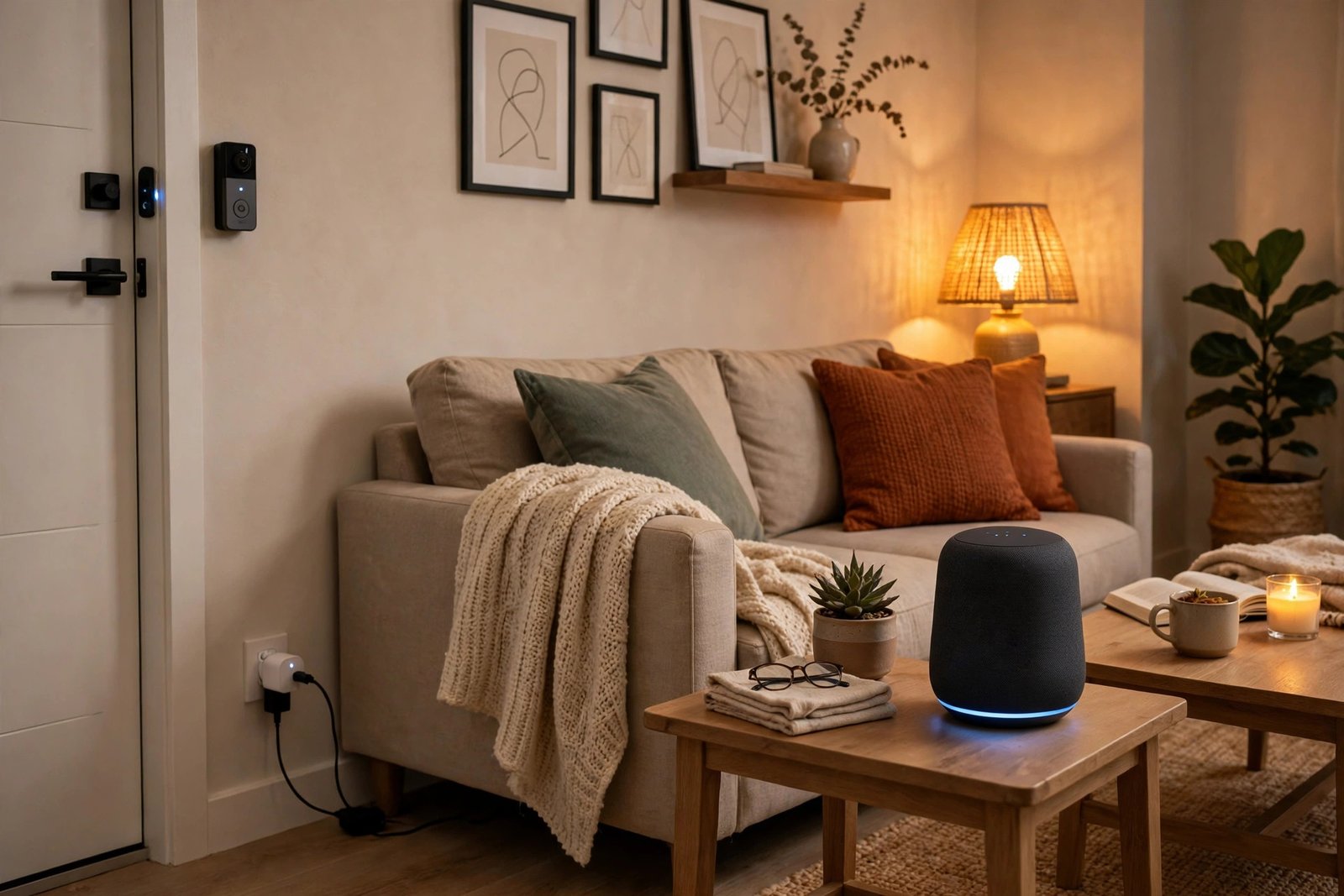
A smart home sounds expensive and complicated, but it does not have to be. For most beginners, a smart home is simply a few connected devices that save time, add comfort, or improve security: a speaker you can talk to, lights you can dim from the sofa, or a doorbell that shows you who is at the door. This guide explains smart home for beginners in plain language, with nine devices that are genuinely worth starting with in 2026. There are no prices and no affiliate links here, just what each device does, who it suits, and one honest limitation to know before you buy.
Start small. Choose one device, use it for a few weeks, and only then add a second one. A home with three devices you actually use is far better than a home full of gadgets you never open. The most important early decision is not the brand, but the voice assistant and app you want to live with, because that choice makes later devices easier, or harder, to add.
Before You Buy: Pick One Ecosystem
Most smart home devices work with Amazon Alexa, Google Home, or Apple HomeKit, and many also support the newer Matter standard, which is designed to help devices from different brands work together. Before you buy anything, check that the device works with the assistant you already use, or the one on the phone you already own. Also check your Wi-Fi: a strong, reliable connection in the rooms where the device will live matters more than any feature list. If your Wi-Fi is weak at the far end of the house, fix that first, or the smartest device will still feel unreliable.
1. Smart Speaker
A smart speaker is the best first device because it is a speaker, a timer, a news reader, and a voice controller in one small box. You can ask for the weather, play music, set reminders, and control other smart devices with your voice. It suits almost any home, especially kitchens and living rooms. Its honest limitation is privacy: it has a microphone that is always listening for its wake word, so check the privacy settings, review your voice history, and use the mute button when you want it off.
2. Smart Bulbs
Smart bulbs let you change brightness and colour, set schedules, and turn lights off from your phone or with your voice. They suit renters well, because you can take them with you when you move, and they are an easy way to make a living room feel warmer in the evening. Their limitation is simple: if someone switches the light off at the wall, the smart bulb loses power and cannot be controlled until the switch is turned back on.
3. Smart Plug
A smart plug turns an ordinary lamp, fan, or coffee maker into a device you can switch on and off from your phone or on a schedule. It is the cheapest way to try smart home control, and it suits people who want to automate one or two things without replacing anything. Its limitation is that it only controls power: it cannot change a device’s settings, so it works best with simple devices that stay on when power returns.
4. Video Doorbell
A video doorbell shows you who is at the door, lets you speak to visitors from your phone, and records motion events so you can check later. It suits houses and flats with a front door you use often, and it is reassuring when you are away from home. Its limitation is that many models need a subscription for full video history and cloud storage, so check what is included free before you buy, and consider whether you are comfortable with a camera at your front door.
5. Smart Lock
A smart lock lets you lock and unlock your door with a code, a phone, or a fingerprint, and give temporary codes to guests or family. It suits busy households and anyone who has ever been locked out. Its limitation is that it depends on batteries and a connection, so keep a physical key or a backup code, and check the battery level regularly. A smart lock should make life easier, not leave you standing outside.
6. Smart Thermostat
A smart thermostat learns your routine, lets you change the temperature from your phone, and can lower heating or cooling when nobody is home. It suits homes with a regular schedule and a compatible heating or cooling system. Its limitation is compatibility: not every home’s wiring or system works with every thermostat, so check the manufacturer’s compatibility guide for your system before you buy, and consider professional installation if you are unsure.
7. Robot Vacuum
A robot vacuum cleans floors on a schedule, goes under sofas and beds, and returns to its dock to charge. It suits homes with hard floors and pets, and it is a genuine time saver for daily upkeep. Its limitation is that it is for maintenance, not deep cleaning: it can miss corners, struggle with thick rugs and cables, and still needs you to empty its bin and clean its brushes regularly.
8. Smart Security Camera
A smart security camera lets you check a room, a garden, or an entrance from your phone, and get an alert when it detects motion or a person. It suits people who want peace of mind while travelling or working away from home. Its limitation is privacy and storage: indoor cameras record inside your home, so place them carefully, use a strong password and two-factor authentication, and check whether video history needs a subscription. Read our Privacy Policy to see how we handle information on this site, and apply the same care to your camera accounts.
9. Smart Display
A smart display is a smart speaker with a screen, so you can see the weather, follow a recipe, watch a video, or check a doorbell camera without picking up your phone. It suits kitchens and bedrooms, where a screen is more useful than voice alone. Its limitation is that it is another screen in the home, and its voice assistant is similar to a smart speaker’s, so if you already have a speaker in the same room, a display may feel like a duplicate rather than a new device.
Setting Up Your First Devices
Set up one device at a time, in the room where you will use it, and give it a clear name in the app, such as “Living room lamp” rather than “Light 1.” Test the basics first, then try one routine, such as turning the lights off at bedtime, before you add more automation. Keep a note of which account each device uses, and use a strong, unique password for your smart home accounts. If a device stops responding, restart it and your router before you reset it, because a simple restart fixes most problems.
Frequently Asked Questions
Do I need a hub to start a smart home?
Usually not. Most beginner devices connect directly to Wi-Fi and work with a phone app and a voice assistant. A hub becomes useful later if you add many devices, especially those that use Zigbee or Z-Wave, or if you want automations that work without the internet.
Will smart home devices work if the internet goes down?
Some will, and some will not. Devices that talk to each other locally may still work, but voice control and remote access usually need the internet. Choose devices that still work with their physical buttons or switches, so a Wi-Fi outage does not leave you in the dark.
Are smart home devices safe?
They can be, if you set them up carefully. Use strong, unique passwords, turn on two-factor authentication, keep the firmware updated, and buy from known brands with clear privacy policies. Avoid cheap, unbranded cameras and plugs that ask for broad access to your accounts.
How much should a beginner spend on a first device?
Start with one low-cost device, such as a smart speaker, smart bulb, or smart plug, and use it for a few weeks before you buy more. That way you learn which assistant you like and which rooms benefit most, instead of spending a lot on a system you may not enjoy using.
A good smart home grows slowly. Pick one ecosystem, start with a speaker or a plug, and add devices only when they solve a real problem in your home. The nine devices in this guide are a sensible place to begin, and if you want to learn more about the AI assistants behind many of them, our guide to the best free AI tools for beginners is a useful next read.
2 thoughts on “Smart Home for Beginners: 9 Devices Worth Starting With (2026)”