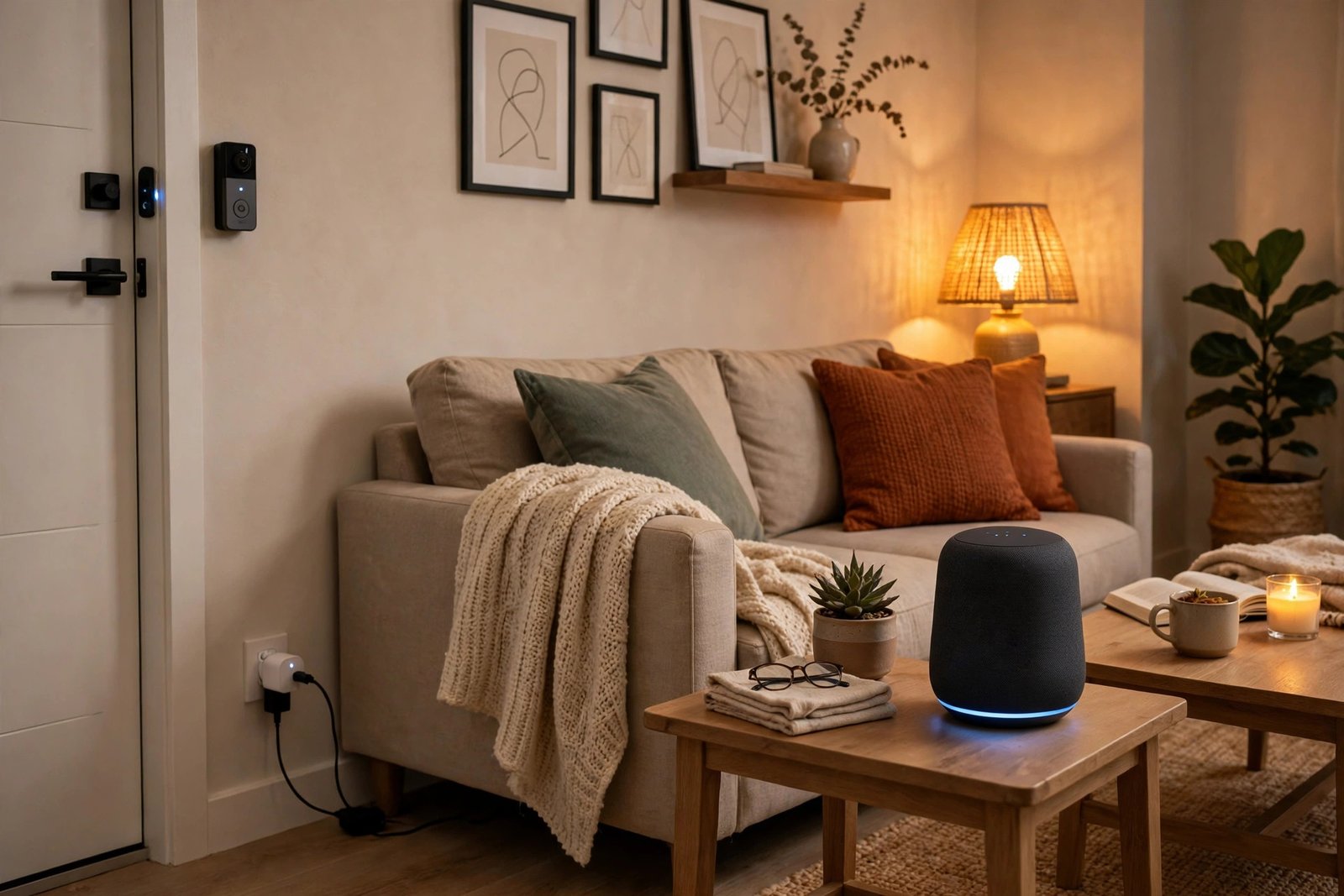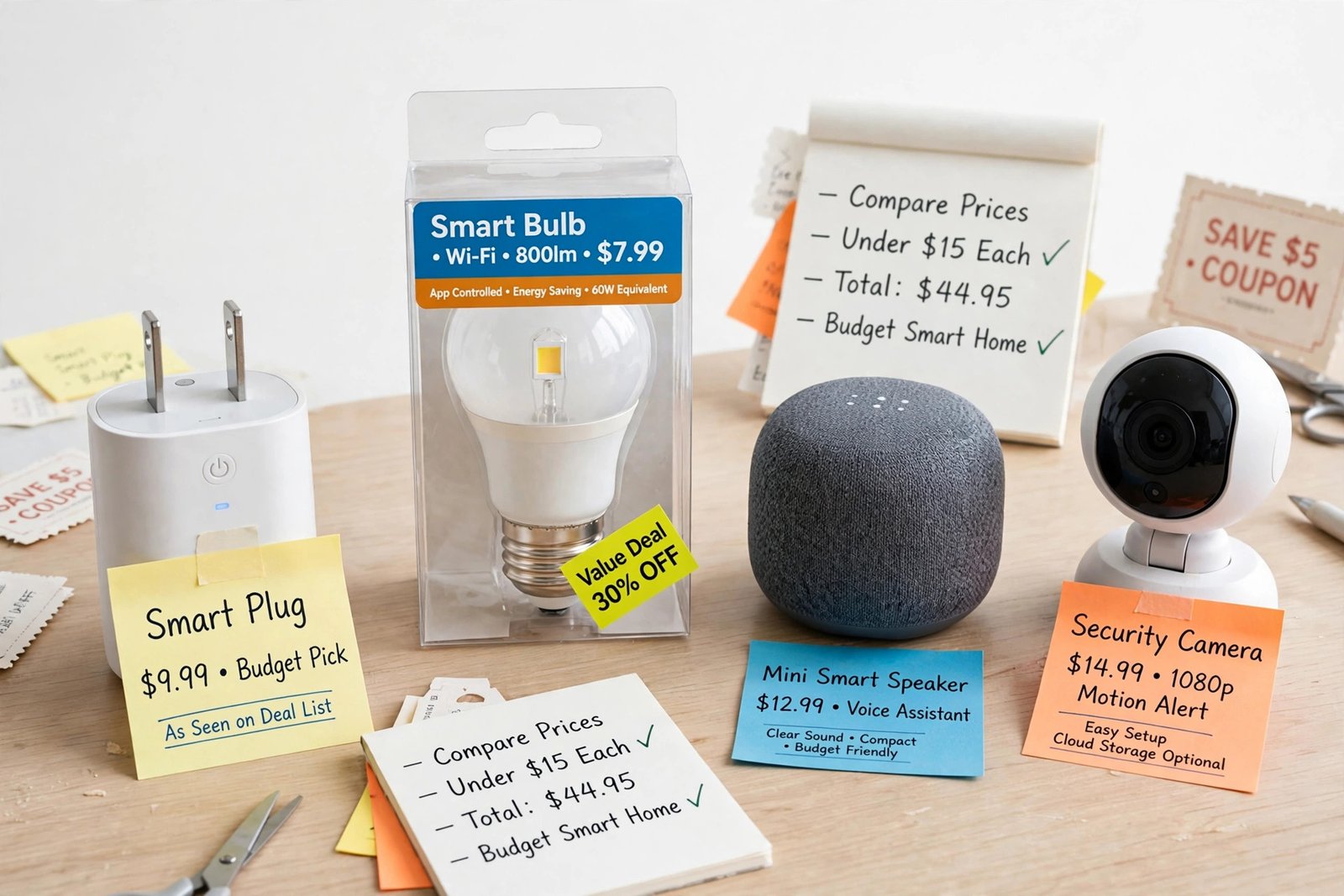
You do not need to spend hundreds to start a smart home. Some of the most useful smart home devices cost under $50, and a few well-chosen ones can change how your home feels: lights that turn themselves off, a speaker that answers questions and plays music, and a plug that makes an old lamp smart. The trick is to start with devices that solve a real problem, work with the voice assistant you already use, and do not lock you into one brand.
This roundup covers the best smart home devices under $50 in 2026, chosen for usefulness, ease of setup, and value. We are honest about the limitations, too: budget devices can be slower, have fewer features, and sometimes need a separate app. No exact prices are listed here beyond the under-$50 framing, because prices change often and vary by store and by sale. If you are completely new to this, start with our guide to smart home for beginners: 9 devices worth starting with before you buy anything.
How to Choose Smart Home Devices Under $50
First, pick your voice assistant and stick to it. Most budget devices work with Alexa, Google Assistant or Apple HomeKit, but not all of them work with all three, so check compatibility before you buy. Second, check your Wi-Fi: smart home devices use your home network, and a weak signal in a far room can make a cheap device feel unreliable. Our guide on why your Wi-Fi is so slow can help if devices keep dropping off the network.
Third, think about what the device will actually do for you. A smart plug that turns a lamp on at sunset is useful every day. A gadget that looks fun but has no job will end up in a drawer. Finally, remember privacy: budget cameras and speakers listen and record, so read the privacy settings and turn off anything you do not need.
The Best Smart Home Devices Under $50 in 2026
1. Smart plug — the easiest first device
A smart plug turns any ordinary lamp, fan or coffee maker into a smart device. Plug it in, connect it to your Wi-Fi, and you can turn the device on and off from your phone or with your voice, set a schedule, or add a timer. It is the cheapest way to try smart home tech, and it is genuinely useful for lamps in hard-to-reach places and for making a home look occupied when you are away. Limitation: it can only turn a device on or off, not control its settings, and it needs a stable Wi-Fi signal to work reliably.
2. Smart bulb — lighting that follows your routine
A smart bulb replaces a normal bulb and lets you dim it, change its colour, and schedule it from an app or with your voice. You can set a warm light for the evening, a bright light for reading, or a gentle wake-up light in the morning. It is a good fit for a bedroom or a living room, and it is easy to install — just screw it in. Limitation: if someone turns the light off at the wall switch, the smart bulb loses power and cannot be controlled until the switch is on again.
3. Mini smart speaker — a voice assistant for any room
A small smart speaker brings a voice assistant into a room for a modest cost. You can ask questions, set timers, play music, control other smart devices, and hear the news or the weather. It is especially useful in a kitchen, where your hands are busy, or in a bedroom as an alarm clock. Limitation: the sound quality is modest, so it is not a replacement for a proper music speaker, and it needs an internet connection to do most things.
4. Motion sensor — lights and alerts without touching anything
A motion sensor detects movement and can trigger another device, such as turning a hallway light on when you walk in at night. It is useful in hallways, bathrooms and garages, and it can also send you an alert if movement is detected when you are away. Limitation: pets can trigger cheap sensors, and the sensor needs to be placed carefully to avoid false alarms from sunlight or heating.
5. Door and window sensor — simple home awareness
A small sensor on a door or window tells you when it opens or closes. Use it to get an alert if a door is left open, to turn a light on when you come home, or to check that a window is closed at night. It is inexpensive, easy to fit, and uses very little power. Limitation: it only tells you about that one door or window, and it is not a substitute for a proper alarm system.
6. Indoor camera — check in from anywhere
A budget indoor camera lets you check on your home, your pets or your children from your phone. Many offer motion alerts, night vision and two-way audio, so you can speak through the camera. It is useful for checking that a pet is settled or that a delivery arrived. Limitation: video quality and night vision are basic at this price, and many cameras charge a subscription for cloud recording — check that before you buy, and keep the camera’s firmware updated.
7. Smart LED light strip — affordable atmosphere
An LED light strip sticks behind a TV, under a shelf or along a desk, and adds colour and atmosphere for very little money. You can change the colour, dim it, and set it to turn on in the evening. It is a fun, low-risk way to make a room feel different. Limitation: the adhesive can fail on some surfaces, and the colours may not be as accurate as more expensive strips.
8. Smart button — one press, one action
A smart button is a small, battery-powered button you can stick anywhere. One press can turn off all the lights, start a routine, or play music. It is ideal for a bedside table, a front door, or a desk — places where reaching for your phone is a hassle. Limitation: it does one thing, so you need to decide in advance what that thing should be, and it may need a hub or a specific app to work.
9. Smart remote and IR blaster — control old devices
An IR blaster lets you control older devices — a TV, an air conditioner, a fan — from your phone or with your voice, even if they were never designed to be smart. It is a clever way to bring an old device into your smart home without replacing it. Limitation: it needs a clear line of sight to the device, and setting it up can take a little patience.
What to Buy First
If you are starting from nothing, buy in this order: a smart plug, a smart bulb, and a mini smart speaker. Together they cover lighting, a simple appliance, and voice control, and they teach you how the system works. Add a motion sensor or a camera only when you have a specific job for it. Buy one device, set it up, use it for a week, and only then buy the next one — that way you learn what you actually value, instead of ending up with a box of gadgets you never use.
Frequently Asked Questions
Are smart home devices under $50 any good?
Yes, for simple jobs. A smart plug, bulb or speaker under $50 can work very well, as long as you choose a known brand, check that it works with your voice assistant, and accept that it will have fewer features than a premium device.
Do I need a hub for smart home devices?
Many budget devices connect directly to Wi-Fi and do not need a hub, which keeps the cost down. Some sensors and buttons do need a hub or a compatible speaker to work, so check the requirements before you buy.
Is a cheap smart camera safe?
It can be, if you buy from a reputable brand, set a strong password, turn on two-factor authentication, and keep the firmware updated. Avoid unknown brands with no clear privacy policy, and do not point a camera at a bedroom or bathroom.
Can I mix brands in a smart home?
Yes, as long as they all work with the same voice assistant or platform. Mixing brands is normal, but it can mean using more than one app. Choosing one platform, such as Alexa or Google Home, keeps things simpler.
The best smart home devices under $50 are the ones that make a daily task easier: a lamp that turns itself on, a light that dims at bedtime, a speaker that answers a question while you cook. Start small, choose devices that work with the assistant you already use, and be honest about the limitations — budget devices are good at simple jobs, and that is exactly where they belong.