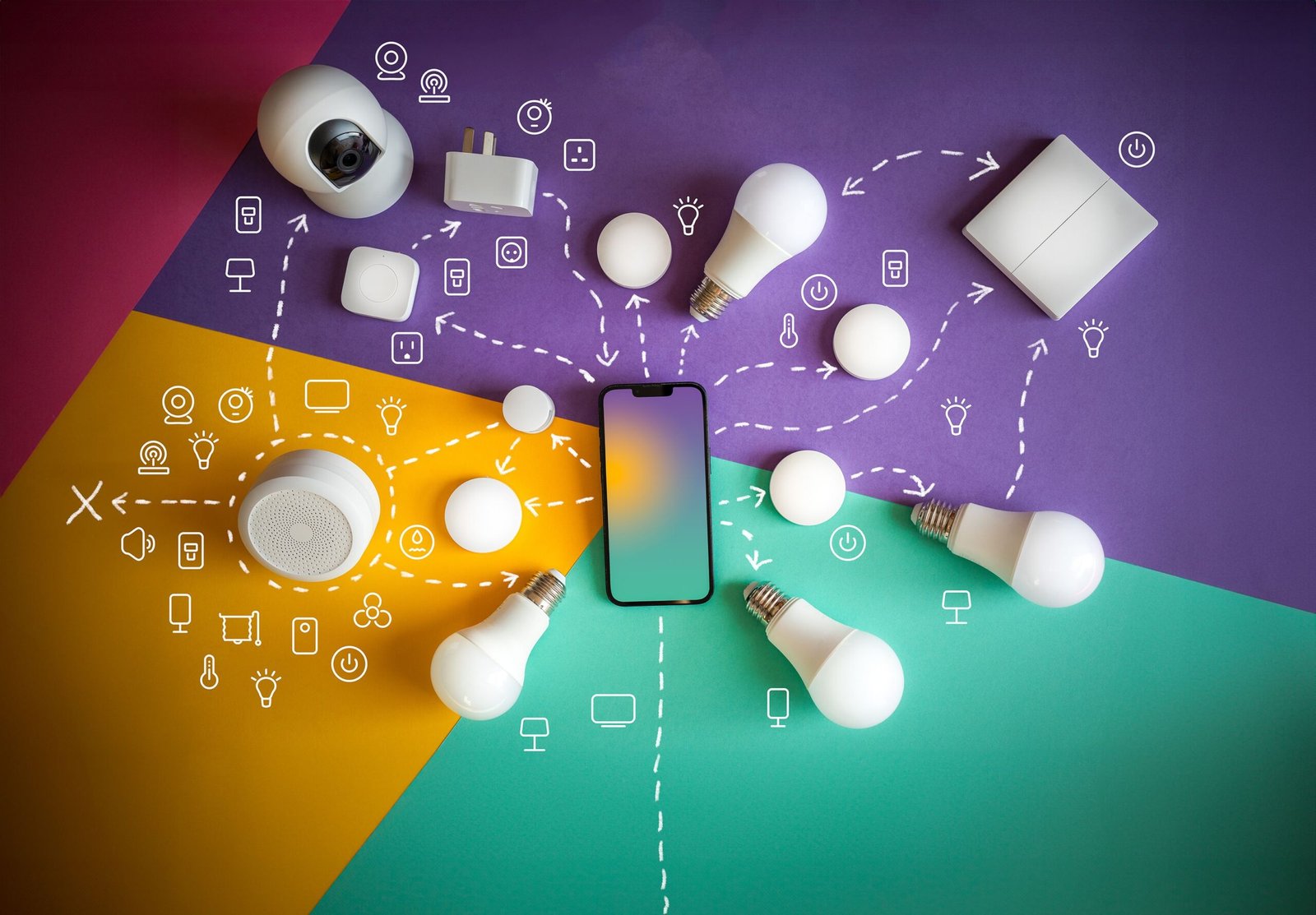
A smart home sounds expensive, but it does not have to be. You can automate lights, appliances, and basic security for a modest amount, and then expand slowly as your needs grow. The challenge is choosing devices that work well together and do not lock you into one ecosystem.
This guide covers the best budget smart home devices for beginners, what each one does, and how to build a reliable starter setup. Prices change often by region and retailer, so use the categories below as a shopping framework and compare current offers before you buy.
Start With a Simple Plan
Before buying anything, decide what problem you want to solve. Random gadgets rarely add up to a useful home.
Ask yourself:
- Do I want to control lights by voice or schedule?
- Do I want to switch off appliances remotely?
- Do I need basic security, such as a camera or door sensor?
- Which phone and assistant do I already use: Android, iPhone, Alexa, or Google Assistant?
Your answers determine which ecosystem fits best and keep you from wasting money on devices you will not use.
Understand Compatibility: Matter, Wi-Fi, and Zigbee
Compatibility is the biggest beginner mistake. A device that does not work with your assistant becomes an expensive paperweight.
What Is Matter?
Matter is an industry standard designed to help smart home devices from different brands work together across platforms such as Apple Home, Google Home, and Amazon Alexa. Choosing Matter-compatible devices where possible gives you more flexibility if you later switch phones or assistants. Support still varies by device type and brand, so check the product listing.
Wi-Fi vs. Zigbee
Many budget devices connect directly over Wi-Fi, which is simple because they need no extra hub. Zigbee and similar protocols often need a hub but can be more reliable in larger setups because they do not crowd your Wi-Fi network. For a beginner with a handful of devices, Wi-Fi is usually the easier choice.
1. Smart Plugs: The Best First Purchase
Smart plugs are widely seen as the cheapest and simplest way to start. You plug one into a wall outlet, connect it to your app, and anything attached to it becomes controllable.
What they are good for:
- Turning lamps, fans, and chargers on or off remotely.
- Setting schedules, such as switching on a lamp at sunset.
- Cutting power to devices that waste standby energy.
What to check: Confirm the plug fits your country’s socket type, supports your voice assistant, and is rated for the power your appliance draws. Avoid using ordinary smart plugs with high-power heaters or air conditioners unless the plug is specifically rated for that load.
Well-known brands in this category include TP-Link (Kasa and Tapo), Amazon, and Wyze, among others.
2. Smart Bulbs and Light Strips
Smart bulbs let you dim lights, change colors, and automate routines without rewiring. They are an easy upgrade because you simply replace a regular bulb.
Practical Uses
- Set warm light in the evening and brighter light in the morning.
- Turn lights on automatically when you arrive home.
- Use voice commands when your hands are full.
One limitation: if someone switches off the wall switch, the smart bulb loses power and stops responding. Teach family members to leave the switch on, or consider a smart switch later.
Budget bulbs from brands such as Philips Wiz, TP-Link, and IKEA are popular starting points. Philips Hue is a well-regarded but typically more expensive option.
3. Smart Speakers and Displays
A smart speaker acts as the voice control center for your home. Compact models such as the Amazon Echo Dot or Google Nest Mini are commonly the most affordable ways to add voice control.
Benefits include:
- Controlling devices with spoken commands.
- Setting timers, alarms, and reminders.
- Playing music and checking the weather.
Choose based on the assistant you prefer. If your household uses Android phones and Google services, a Google Nest device may feel natural. If you shop on Amazon or like Alexa routines, Echo devices fit well.
4. Smart Cameras and Video Doorbells
Security is a popular reason to go smart. Budget indoor cameras can monitor a living room or entrance, and doorbell cameras show who is at the door.
Features Worth Having
- Clear night vision.
- Motion alerts with adjustable sensitivity.
- Two-way audio.
- Local storage options, such as a microSD card, in addition to cloud storage.
Privacy Matters
Cameras collect sensitive footage. Use a strong, unique password, enable two-factor authentication, keep firmware updated, and avoid pointing indoor cameras at private areas. Read the brand’s data and subscription policies before buying, because some features require a monthly plan.
5. Smart Door and Window Sensors
Small contact sensors tell you when a door or window opens. They are inexpensive and useful for alerts, such as getting a notification when the back door opens during the day.
They also trigger automations. For example, a door sensor can switch on a hallway light when you walk in. Many sensors use Zigbee or similar protocols, so check whether they need a hub.
6. Budget Smart Thermostats and Climate Control
Smart thermostats can reduce energy waste by following schedules. However, compatibility depends heavily on your heating and cooling system, and many regions use different wiring standards. Before buying, confirm that the model works with your system.
If a smart thermostat is not compatible or too costly, a smart plug or an infrared (IR) smart remote can add scheduling to a portable heater or split air conditioner. An IR remote learns your existing remote’s signals and lets you control the appliance from your phone, which makes it a clever low-cost alternative.
7. Robot Vacuums (Optional Upgrade)
Entry-level robot vacuums have become more affordable and handle light daily cleaning on hard floors and low-pile carpets. They are not a need for beginners, but they can be a practical later upgrade once you are comfortable with apps and schedules.
A Sample Starter Setup
Here is a practical way to build gradually:
- Week one: Two or three smart plugs and one smart speaker.
- Month one: Add smart bulbs in the rooms you use most.
- Later: Add a camera or door sensors, then consider a thermostat or smart switch.
This approach spreads out spending and lets you learn what you actually use.
Tips to Save Money Without Sacrificing Quality
- Buy into one ecosystem first and expand only when you need to.
- Check app quality and reviews. A poor app ruins good hardware.
- Look for long-term software support, because abandoned devices can become insecure.
- Compare subscription costs, especially for cameras.
- Avoid unknown no-name brands with no update history, since cheap devices can lack security patches.
Frequently Asked Questions
1. What is the cheapest smart home device to start with?
Smart plugs are usually the most affordable entry point. They require no installation, work with many appliances, and give you a simple introduction to schedules, voice commands, and remote control.
2. Do I need a smart hub?
Not always. Many beginner devices connect directly over Wi-Fi. A hub becomes useful when you use Zigbee or similar devices, or when you want more reliable local control with many gadgets.
3. Will smart home devices work if the internet goes down?
It depends on the device. Many cloud-based devices lose remote control without internet, though some support local control. Manual switches and physical controls should remain available as a backup.
4. Are budget smart devices safe?
They can be, if you choose reputable brands, use strong passwords, enable two-factor authentication, and install updates. Be cautious with unknown brands that provide no security support.
5. Should I choose Alexa, Google Home, or Apple Home?
Pick the ecosystem that matches the phones and services you already use. Matter-compatible devices can reduce the risk of getting locked into one platform, but compatibility details still vary by product.
Conclusion
A smart home does not require a large budget or technical background. Start with a few useful devices, such as smart plugs, bulbs, and a speaker, and focus on compatibility and security from the beginning. Build slowly as your needs become clear. The best smart home is the one that quietly saves you time and effort every day.