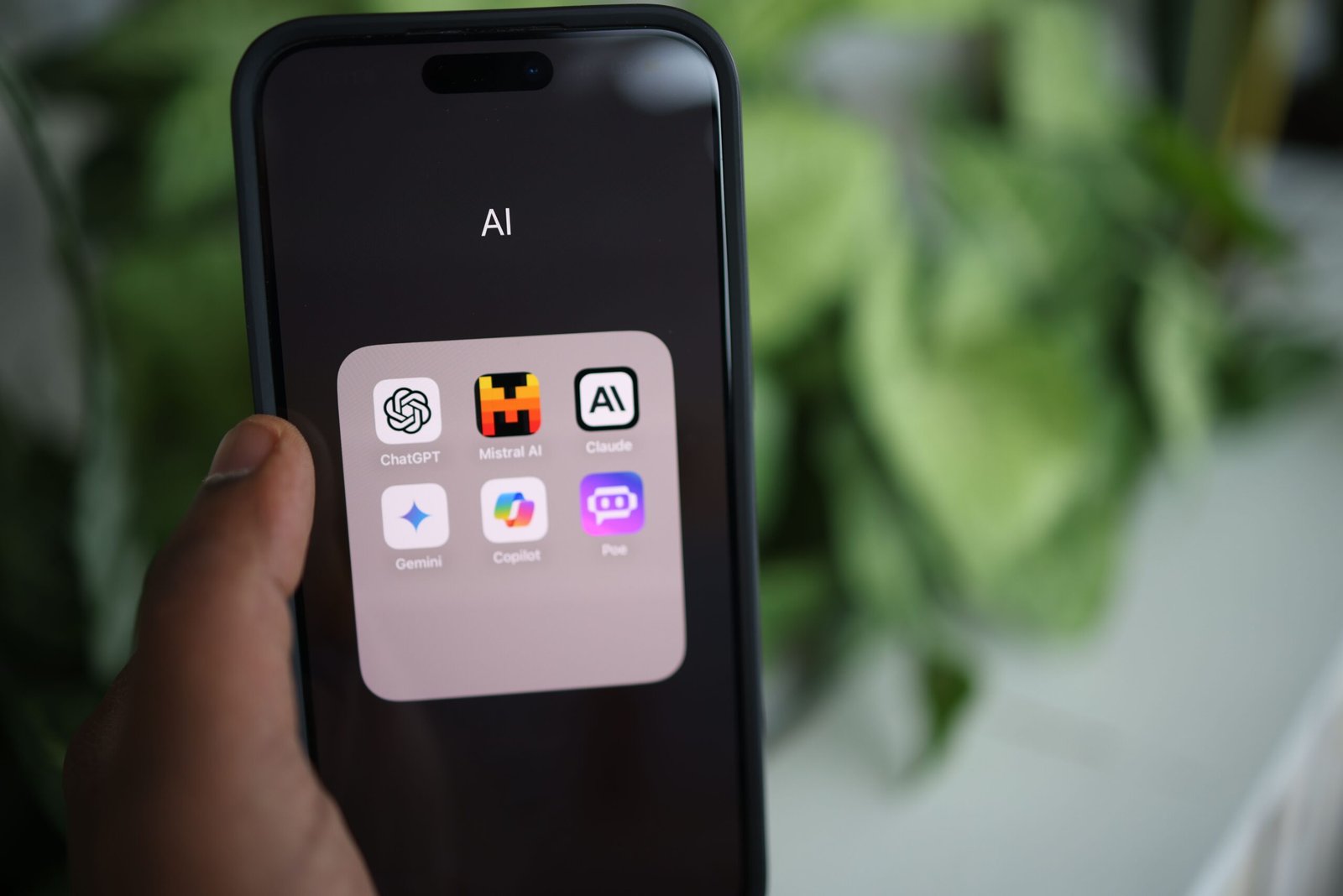
AI tools now help with writing, research, design, meetings, and coding, and many of them offer a free tier that is genuinely useful. The challenge is no longer finding an AI tool but choosing which ones deserve your time.
This guide covers 15 of the best free AI tools in 2026, grouped by purpose. AI products change quickly, and free plans, limits, and features are often adjusted. Check each tool’s official site for current details before relying on it for important work.
How to Use Free AI Tools Wisely
A few habits will make any tool more valuable.
- Verify facts. AI can produce confident but incorrect answers, so check important claims.
- Protect private data. Avoid pasting passwords, confidential business information, or sensitive personal details.
- Review the terms. Understand how each service handles your content and whether you can opt out of data use for training.
- Edit the output. AI drafts work best as a starting point, not a final product.
AI Chatbots and Assistants
1. ChatGPT
ChatGPT is a general-purpose assistant from OpenAI for writing, brainstorming, explaining concepts, and coding help. A free tier is available with usage limits, and paid plans offer higher limits and extra features. It is a good starting point for beginners.
2. Google Gemini
Gemini is Google’s AI assistant, and it works well if you use Gmail, Docs, and other Google services. The free version handles everyday questions, drafting, and summarizing, with more advanced features on paid plans.
3. Claude
Claude, from Anthropic, is another general-purpose assistant that people use for writing, analysis, and working with longer documents. It offers free access with usage limits, and paid plans for heavier use.
4. Microsoft Copilot
Microsoft Copilot is available through Windows, Edge, and the web, and offers chat, search assistance, and image generation features. It is convenient for people who already work in the Microsoft ecosystem.
AI Tools for Research and Learning
5. Perplexity
Perplexity combines AI answers with web sources, showing citations you can click to verify. This makes it handy for quick research and fact-finding. The free tier has limits on advanced searches.
6. NotebookLM
NotebookLM, from Google, lets you upload your own documents, notes, and sources, then ask questions or generate summaries grounded in that material. Students and researchers often use it to understand dense reading. Features and limits can change, so check what the free version includes.
AI Writing and Language Tools
7. Grammarly
Grammarly checks spelling, grammar, tone, and clarity as you write. The free version covers basic corrections and is useful for emails, documents, and social posts, while paid plans add more advanced suggestions and AI writing features.
8. DeepL Translator
DeepL is known for natural-sounding translations across many languages. The free version handles text translation with character limits, and it is a strong option for translating emails and short documents.
AI Design and Image Tools
9. Canva
Canva includes AI-assisted design features, such as text-to-image tools and layout suggestions, alongside its template library. A free plan is available, though some AI features and premium assets sit behind a paid tier or have usage limits.
10. Gamma
Gamma generates presentations, documents, and simple web pages from a prompt or outline. It can speed up the first draft of a slide deck considerably. The free plan includes limited credits, so review the current allowance.
11. Remove.bg
Remove.bg removes image backgrounds automatically, which is helpful for product photos, profile pictures, and social graphics. Free downloads are typically lower resolution, with higher resolution available through paid options.
AI Video and Audio Tools
12. CapCut
CapCut is a popular video editor with AI-powered features such as auto captions and background removal. A free version is available, and some advanced effects or exports may require a subscription depending on your region and the current plan.
13. Otter.ai
Otter.ai records and transcribes meetings and conversations, then produces summaries and searchable notes. The free plan has monthly limits on transcription minutes. Always get consent before recording other people.
AI Tools for Developers and Builders
14. GitHub Copilot
GitHub Copilot suggests code and helps explain or fix issues directly in your editor. GitHub has offered a free tier with limited usage, with paid plans for heavier use. Developers should still review generated code for bugs and security problems.
15. Hugging Face
Hugging Face hosts a vast community of AI models, datasets, and demos that you can try in your browser. It is excellent for learning, experimenting, and discovering open-source tools. Some features and compute resources are limited on the free plan.
Quick Comparison
| Need | Good Starting Tools |
|---|---|
| General questions and writing | ChatGPT, Gemini, Claude, Copilot |
| Research with sources | Perplexity, NotebookLM |
| Writing and translation | Grammarly, DeepL |
| Design and presentations | Canva, Gamma, Remove.bg |
| Video, audio, and meetings | CapCut, Otter.ai |
| Coding and experimenting | GitHub Copilot, Hugging Face |
Which Free AI Tools Should You Start With?
You do not need all 15. Pick based on your daily work.
- Students: An AI chatbot, NotebookLM, and Grammarly.
- Bloggers and content creators: An AI chatbot, Canva, and Perplexity for research.
- Freelancers and small business owners: A chatbot, Gamma, Otter.ai, and DeepL.
- Developers: GitHub Copilot, a general chatbot, and Hugging Face.
Try two or three for a week and keep only what saves you time.
Limits of Free Plans to Expect
Free tiers are generous but not unlimited. Typical restrictions include:
- Daily or monthly usage caps.
- Access to older or smaller models.
- Lower export quality or watermarks.
- Fewer advanced features and integrations.
- Slower response during busy periods.
If you hit limits often and the tool clearly saves you time, a paid plan may be worth considering. Until then, free versions usually cover everyday needs.
Safety and Ethics Tips
- Disclose AI use where your school, employer, or client expects it.
- Do not present AI-generated content as verified fact.
- Check image and text outputs for copyright concerns, especially for commercial use.
- Be cautious of fake AI apps and lookalike websites. Use official sites and app stores.
- Avoid uploading other people’s private information without permission.
Frequently Asked Questions
1. Are free AI tools really free?
Most offer a free tier with limits on usage, features, or output quality. Paid plans unlock higher limits and extra tools. Review each tool’s current pricing and terms.
2. Which free AI tool is best for beginners?
A general chatbot such as ChatGPT, Gemini, Claude, or Copilot is the easiest starting point. They handle many tasks and require no technical skills.
3. Are AI tools safe to use with personal information?
Be cautious. Avoid entering sensitive data such as passwords, financial details, or confidential documents, and read each service’s privacy settings and policies.
4. Can I use AI-generated content on my website?
Often yes, but you should edit it, verify facts, and follow the tool’s terms and any copyright rules. Original value and accuracy matter more than speed.
5. How often do free AI plans change?
Frequently. Companies adjust limits, models, and features regularly, so check the official site before depending on a specific free feature.
Conclusion
The best free AI tools in 2026 can save hours of work, from drafting and research to design, meetings, and coding. Start with a general assistant, add a research or design tool that matches your needs, and always verify important information. Remember that free plans change often, so revisit your toolkit every few months and keep only the tools that deliver real value.