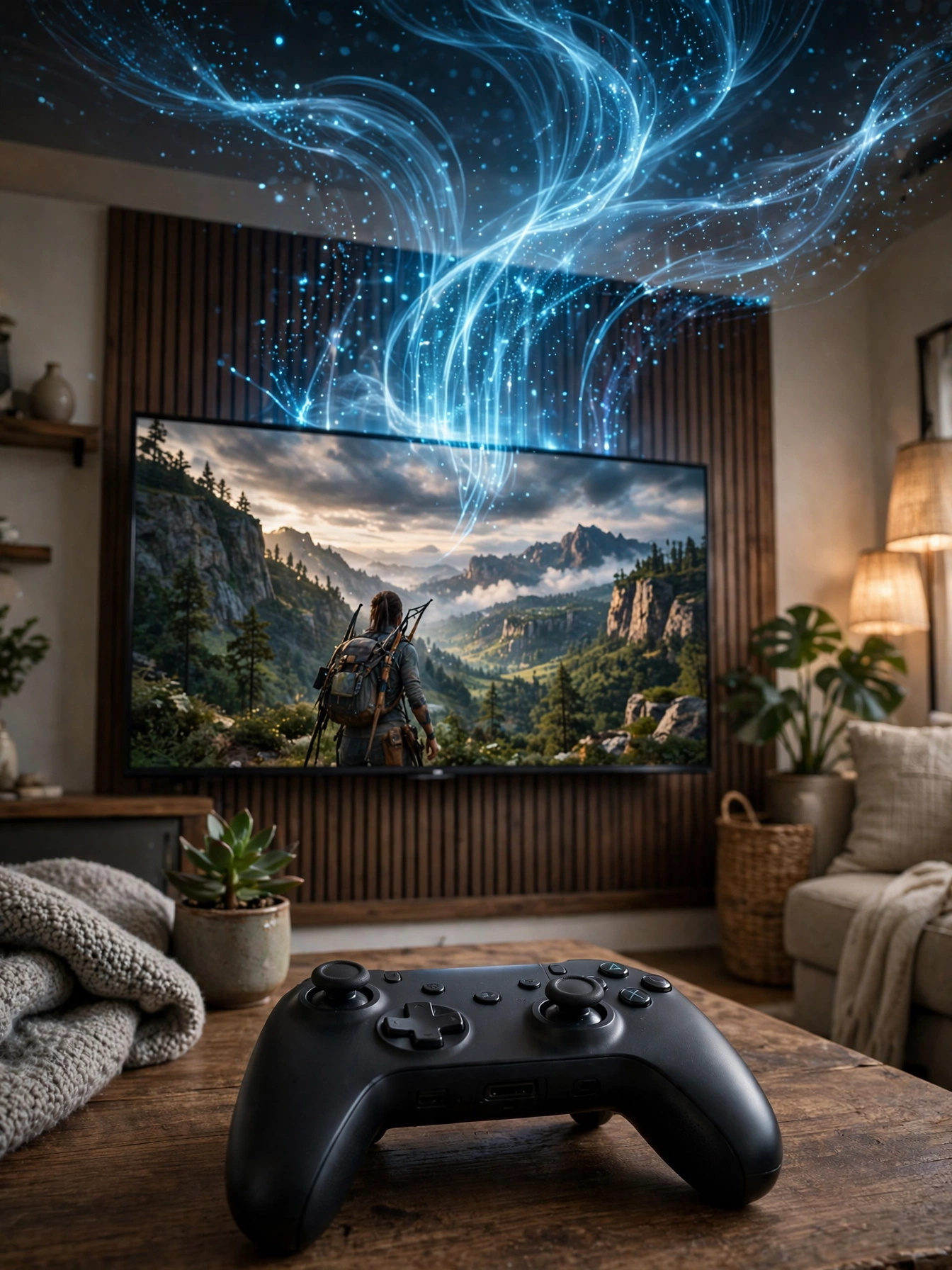
What is cloud gaming? It’s the idea that you don’t need a powerful console or PC to play the latest games — the game runs on a server somewhere else, and the video is streamed to your screen, just like a movie on Netflix. You press a button, the command travels to the server, and the next frame comes back. In 2026, cloud gaming has moved from a curiosity to a genuine option for millions of players, but it still isn’t right for everyone. This guide explains how it works, what internet speed you need, and whether it’s worth it for you.
How Cloud Gaming Works
When you play a game normally, your console or PC does all the work: it renders each frame, plays the sound, and responds to your controller. With cloud gaming, all of that happens on a powerful server in a data centre. The server sends you a video stream of the game, and your device sends your inputs back. All your device needs is a screen, a controller, and a decent internet connection. The game itself is never downloaded or installed — you pick a title from a library and start playing in seconds. The trade-off is latency: the round trip from your button press to the frame on your screen takes longer than it does on local hardware, and that delay is the single biggest factor in whether cloud gaming feels good.
What Internet Speed Do You Need?
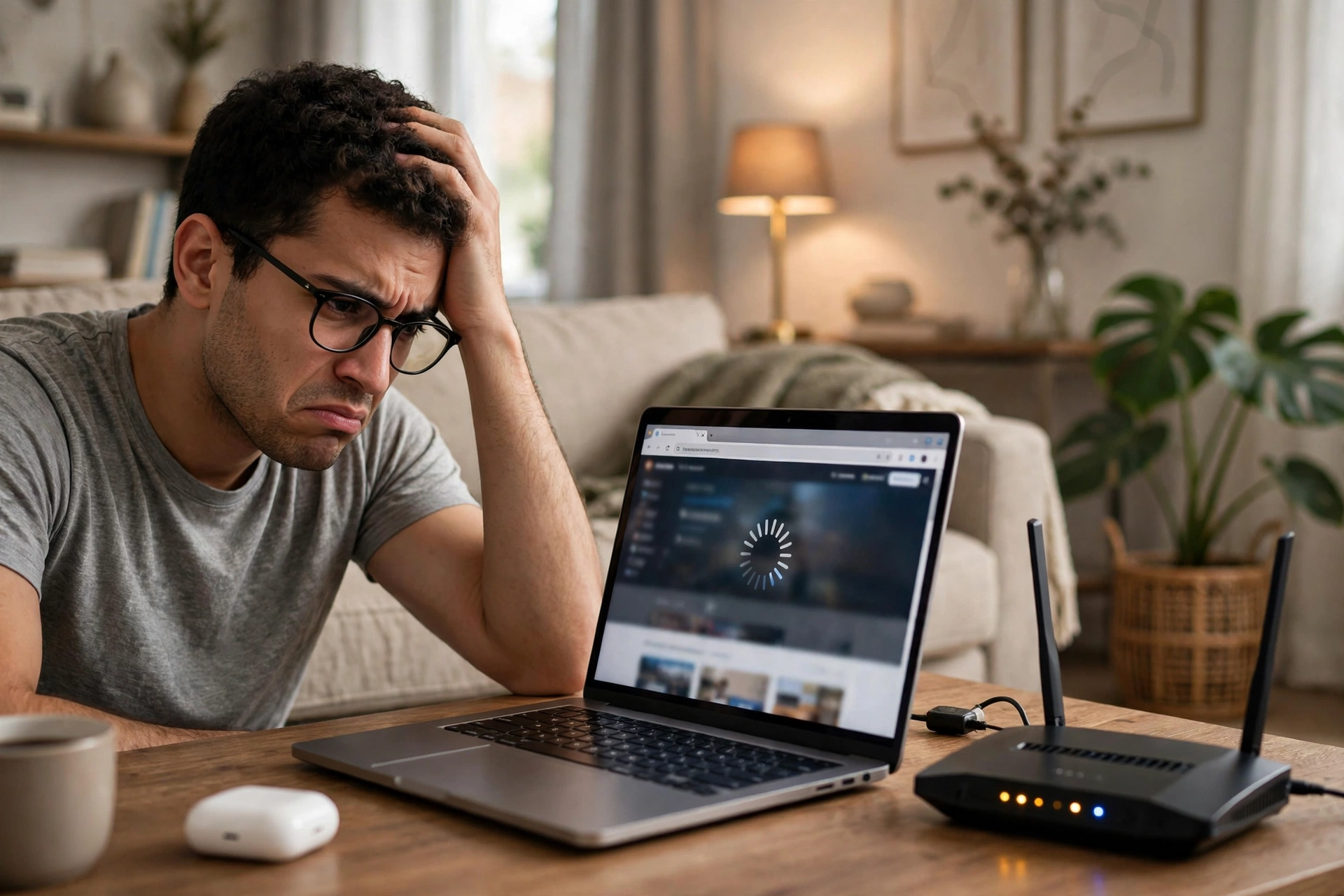
Cloud gaming lives or dies on your connection. For smooth 1080p play, most services recommend at least 25 Mbps down, and for 4K you need considerably more — but raw speed is only half the story. Latency matters more: if your ping is high, your inputs feel sluggish no matter how fast your download is. A wired Ethernet connection is almost always better than Wi-Fi for cloud gaming, because it is steadier. And if your connection struggles, our guide to why your Wi-Fi is so slow covers the fixes that make the biggest difference — router placement, channel choice, and the settings that free up bandwidth. Test your connection before you subscribe: a free speed test and a quick session of a free-to-play cloud game will tell you more than any recommendation.
The Main Cloud Gaming Services in 2026
There are several major cloud gaming services, and they work in different ways. Some are subscription libraries: you pay a monthly fee and get access to a catalogue of games, similar to a streaming service for films. Others let you buy games outright and stream the ones you own. A third model is built into a console or store you already use, so your existing library becomes playable in the cloud. The right choice depends on what you already own: if you have a big library on one platform, the service tied to that platform is the natural fit; if you want to try many games cheaply, a subscription library is better. Check which games are actually available before subscribing — a service’s catalogue matters more than its features, and catalogues change as licences expire.
Before you subscribe, check three things. First, does the service support your controller? Most work with the major console controllers and many third-party pads, but check before you pay. Second, is there a free tier or trial? A free tier lets you test latency on your own connection before spending anything. Third, what resolution and frame rate does it offer on your plan? Some services charge more for 4K and high frame rates, and you may not need them — a smooth 1080p stream on a laptop screen looks great and uses less data.
Pros of Cloud Gaming
The biggest advantage is access: you can play demanding games on a cheap laptop, a phone, a tablet, or a TV stick that could never run them locally. There are no downloads, no installs, and no updates to wait for — you click and play. Your saves live in the cloud, so you can start on the TV and continue on your phone. And the upfront cost is low: a subscription and a controller are all you need, with no expensive hardware to buy. For casual players and people who try many games, that’s a compelling deal. And there’s no hardware to maintain — no drivers to update, no parts to replace, no fan noise. The server handles all of that, and your device stays cool and quiet.
Cons of Cloud Gaming
The downsides are real. Latency is the main one: even on a good connection, cloud gaming adds delay, and in fast competitive games that delay is the difference between winning and losing. Video quality is another — streamed video is compressed, so fast-moving scenes can look soft or blocky compared with local play. You also don’t own the games in a subscription model: if a title leaves the catalogue, it’s gone. And if your internet drops, your game stops. For players who value the sharpest image and the lowest latency, local hardware still wins.
Cloud Gaming vs a Gaming PC
Cloud gaming and a gaming PC solve the same problem in opposite ways. A gaming PC costs more upfront but gives you the best image quality, the lowest latency, and games you actually own. Cloud gaming costs less to start but depends on your connection and a subscription. If you play competitively or care about visual quality, build a PC — our guide to a budget gaming PC build shows how to put together a capable machine without overspending. If you play casually, travel a lot, or just want to try games without committing to hardware, cloud gaming is the cheaper and simpler option. Some players do both: a PC at home and cloud gaming on the go.
Who Is Cloud Gaming Worth It For?
Cloud gaming is worth it if you play casually, if you want to try games before buying, or if you don’t want to spend on hardware. It’s also great for families — one subscription can serve several screens — and for people who travel, since your games follow you. It’s less suited to competitive players, anyone with slow or unstable internet, and players who want to own their games outright. The honest test is simple: try a free tier or a short subscription first. If the delay doesn’t bother you and the picture looks good on your connection, it’s worth the money. If it feels sluggish, no amount of marketing will fix it.
How to Get the Best Cloud Gaming Experience
A few setup choices make a big difference to how cloud gaming feels. Use a wired Ethernet connection whenever you can — it is steadier than Wi-Fi and keeps latency low. If you must use Wi-Fi, sit close to the router and use the 5 GHz band, which is faster and less crowded than 2.4 GHz. Close other apps and pause downloads while you play, because anything else using your connection adds delay. Use a proper controller rather than a touchscreen where possible — a controller is more precise and more comfortable for long sessions. Finally, lower the stream resolution if the picture stutters: a smooth 1080p stream feels far better than a stuttering 4K one. These small adjustments cost nothing and can turn a frustrating session into a smooth one.
Frequently Asked Questions
Do I need a console or PC to use cloud gaming?
No. That’s the point. You need a screen — a TV, laptop, tablet, or phone — a controller, and an internet connection. The game runs on a server, so your device doesn’t need powerful hardware. Some services even work through a web browser, with nothing to install at all.
How fast does my internet need to be for cloud gaming?
Most services recommend at least 25 Mbps for smooth 1080p play, and more for 4K. But latency matters more than raw speed: a stable 25 Mbps connection with low ping feels better than a fast connection with high ping. A wired Ethernet connection is the best way to keep latency low.
Can I play competitive games on cloud gaming?
You can, but it’s not ideal. Cloud gaming adds latency that matters in fast competitive shooters and fighting games, where milliseconds decide outcomes. Casual and single-player games feel fine for most people; competitive players are better served by local hardware.
Do I own the games I play on cloud gaming?
It depends on the service. Some let you buy games and stream the ones you own — those are yours. Subscription libraries work like a rental: you can play the games while they’re in the catalogue, but they can leave, and your access ends if you cancel. Check the model before you commit to a service.
Does cloud gaming use a lot of data?
Yes. Streaming a game in high quality uses several gigabytes per hour, similar to streaming 4K video. If your internet plan has a data cap, cloud gaming can eat through it quickly. Unlimited plans are the safe choice, and it’s worth checking your usage in the first month.
Final Thoughts
Cloud gaming in 2026 is no longer a gimmick — it’s a genuine way to play, and for many people it’s the right one. It won’t replace a gaming PC for competitive players or image-quality purists, but it has made gaming accessible to anyone with a screen and a decent connection. Try it before you judge it: a free tier or a short subscription will tell you in an evening whether it’s worth it for you.